MOTONODEIQ APP
Your controls, ride data, and motorcycle health in one view.
Connect to the system, configure how your controls work, check system status, and review the ride after you park.
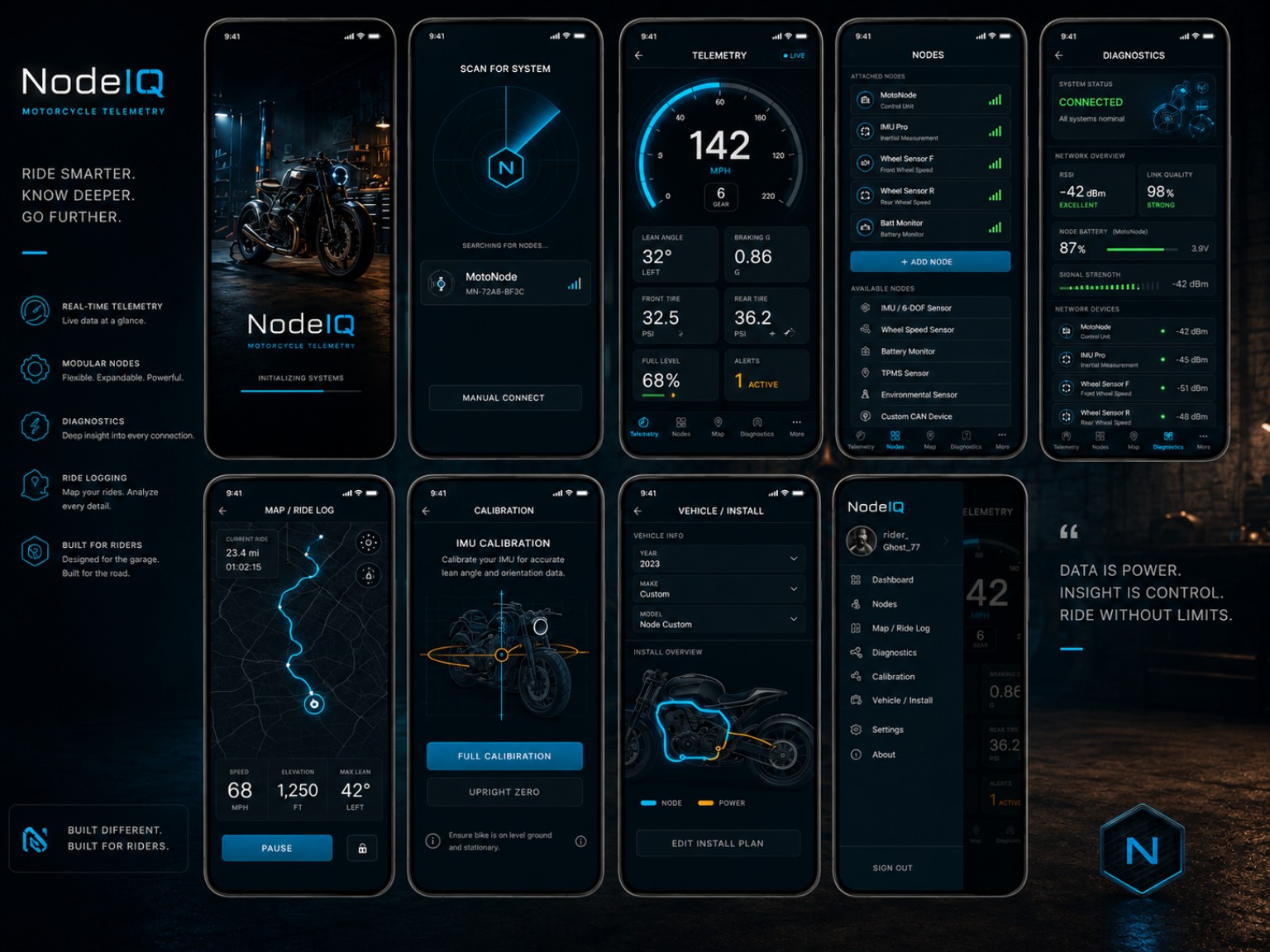
CONNECT & CONFIGURE
A setup that follows your motorcycle.
01
Choose the bike
Keep motorcycle details, installed system functions, and ride history together in Garage.
02
Set up the controls
Configure supported inputs and outputs for the handlebar controls and accessories on your motorcycle.
03
Check system status
See which functions are connected and review signal, battery, and fault information.
RIDE OVERVIEW
See more than the route.
Review GPS route and speed with lean, acceleration, braking, vibration, and motorcycle status. Bring the important information into a clear summary, then explore the details when you want them.
During the ride
Keep the selected ride information and system state close at hand.
After the ride
Return to saved routes and compare the moments that stand out.
Across your garage
Keep ride history, vehicle settings, and installed controls associated with each motorcycle.
IGNITION CONFIGURATION
Manage timing maps with the rest of the system.
Review ignition status and adjust supported timing maps through the connected system. Keep ignition settings together with the rest of your motorcycle’s controls and ride information.
COMING SOON
MotoNodeIQ is on the way.
Get launch updates and be among the first to explore a cleaner motorcycle control setup with configurable inputs and outputs.
The MotoNodeIQ system will be available soon.

